
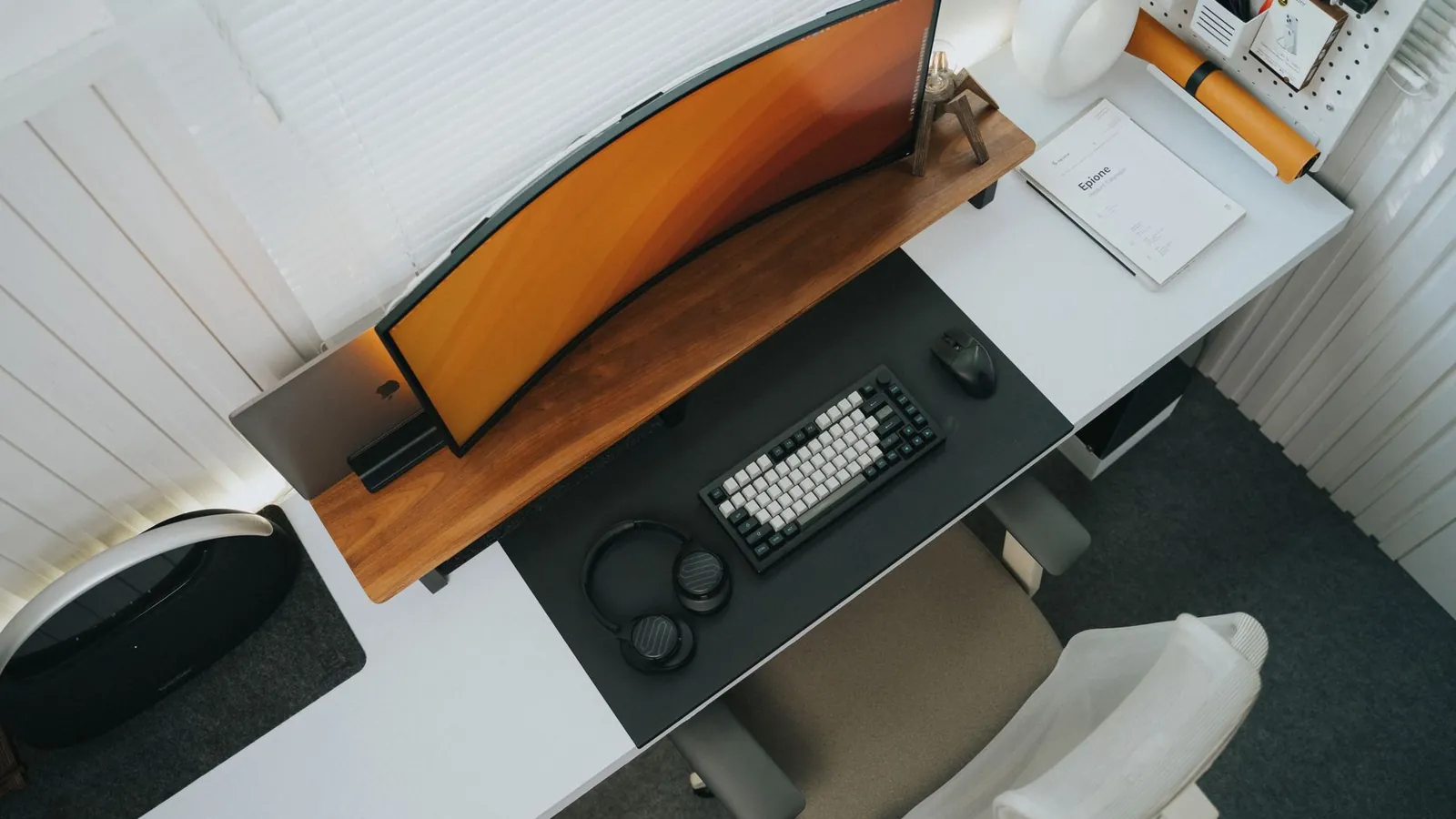
Ergonomics has a reputation for being a list of joint angles that nobody can remember by Tuesday. In practice, only a handful of things change how you feel at the end of a working day, and they are easy to get right once.
This is that short list, ordered by how much difference each one makes.
Start with the chair, then build the desk around it
Almost everyone adjusts in the wrong order. Set the chair first, because everything else is measured from where your body ends up.
- Set the seat height so your feet rest flat and your knees sit at roughly hip level. If your feet dangle, add a footrest. A stack of books works perfectly well.
- Sit right back into the chair so the backrest supports your lower back. A chair only supports you if you actually use the back of it.
- Set the armrests so your shoulders drop. If your shoulders lift towards your ears, the armrests are too high. If your arms hang unsupported, they are too low.
Only now adjust the desk and screen.
Screen height is the single biggest lever
The top of your monitor should sit at or just below eye level, about an arm's length away.
This matters because of leverage. Your head weighs around 5 kg. Held over your shoulders, the neck muscles barely work. Tilt it forward to read a low screen and the load on those muscles multiplies, not because your head got heavier but because it is now further from the joint holding it up.
Laptop users need a stand and a separate keyboard. There is no way around this. A laptop puts the screen and the keyboard at the same height, so you can have one correct or the other, never both.
Forearms and wrists
| Setting | Target |
|---|---|
| Elbows | Roughly 90 degrees, supported |
| Wrists | Flat or very slightly extended, not cocked up |
| Keyboard | Flat. Fold the back legs down, not up |
| Mouse | Close to the keyboard, not way out to the side |
Those fold-out legs on the back of a keyboard tilt it towards you and bend your wrists backwards, which raises pressure inside the carpal tunnel. They are one of the most common avoidable causes of wrist symptoms in office workers. If your hands go numb at night, read our guide to carpal tunnel.
A mouse placed far out to the side means your arm works away from your body all day, which loads the shoulder and upper back. Bring it in.
The part that beats all of the above
Here is the uncomfortable truth about ergonomics: a perfect setup held rigidly for four hours still causes symptoms.
The best posture is the next one. Sustained loading is the problem, not the specific angle you happen to be sitting at.
Change position roughly every 30 minutes. Stand for phone calls. Walk to fill a water bottle rather than keeping a jug on the desk. Set a quiet reminder if you lose track of time.
This is also the honest answer on standing desks. They help because they let you alternate, not because standing is inherently better. Standing rigidly all day produces its own set of foot, knee and low back complaints.
A five minute reset
If your neck and upper back stiffen by mid afternoon, these three cost almost nothing:
- Chin tucks. Draw your chin straight back, hold five seconds, ten times
- Scapular squeezes. Shoulder blades down and together, hold five seconds, ten times
- Doorway chest stretch. 30 seconds each side
Two minutes, twice a day, does more than one long stretch session at the weekend.
When a setup change is not enough
Get assessed if you have pain, pins and needles or weakness travelling into an arm, headaches starting at the base of the skull that are becoming more frequent, or stiffness that has not budged after a month of sensible changes.
Those patterns point to a joint or a nerve root rather than muscular fatigue, and no chair will fix them. Our guide to neck pain from desk work goes into what is happening in more detail.